



Your Strategic Partner for
Unlocking China's Sourcing Potential
How to Sell on Shopify
So, you want to sell something online—handmade candles, stylish hoodies, phone cases, or digital art? Good news: Shopify makes it super easy to set up your online store and start selling worldwide.
It’s great if you’re already familiar with Shopify! But you might be wondering:
“Okay… but how do I actually sell on it?”
Let’s walk through the process step by step—in clear, simple language.
Contents
hide
Step 1: Sign Up for a Free Trial
Head to shopify.com and click “Start Free Trial.” You’ll need to enter:
- Your email address
- A password
- Your store name
Once you’re in, you’ll land on your dashboard—your control center for everything.
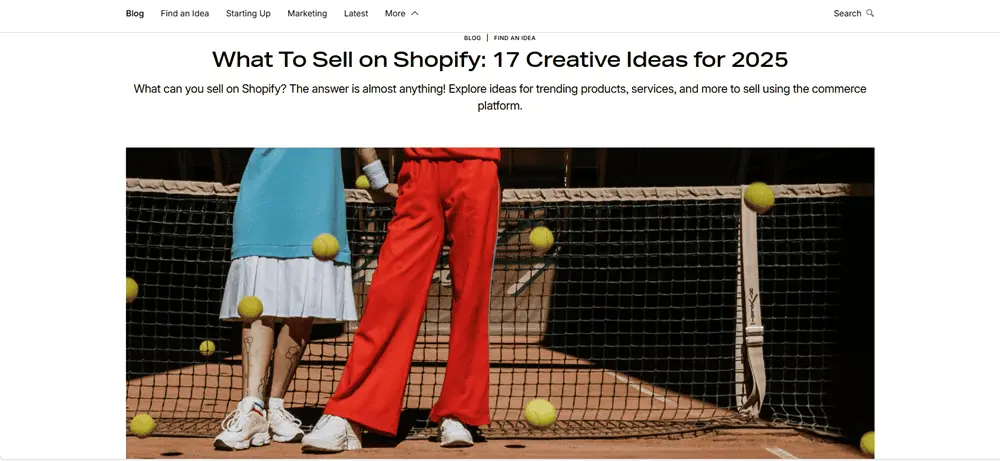
Step 2: Decide What to Sell
First, decide what you want to sell:
- Physical items (shirts, mugs, books)
- Digital items (ebooks, music, art files)
- Services (coaching, classes, custom work)
- Dropshipping products (items you don’t handle or ship yourself)
What products are you excited to sell? Share your ideas below!
Step 3: Customize Your Store’s Appearance
Design your store’s look to match your brand:
- Select a free or paid theme
- Customize colors, fonts, and layout
- Add your logo and store name
It’s all click-and-drag—no coding required. Choose a style that fits your brand’s personality.
Step 4: Add Products
Click on Products → Add product, then fill in:
- Product name
- Description (What is it? Why will people love it?)
- Price
- Product photos
- Inventory quantity
- Variants (like sizes or colors)
Click Save. You can update this info anytime.
Step 5: Set Up Payments
To get paid, go to Settings → Payments. Shopify supports:
- Credit cards (via Shopify Payments)
- PayPal
- Apple Pay, Google Pay, and more
Add your bank details so Shopify can deposit your earnings.
Tip: Shopify Payments offers low fees—great for small businesses. PayPal is excellent for reaching international buyers.
Step 6: Set Up Shipping
If you’re mailing physical items, go to Settings → Shipping. Here, you can:
- Choose shipping regions
- Set rates (free, flat, or weight-based)
- Pick carriers (UPS, USPS, DHL)
- Print shipping labels right in Shopify
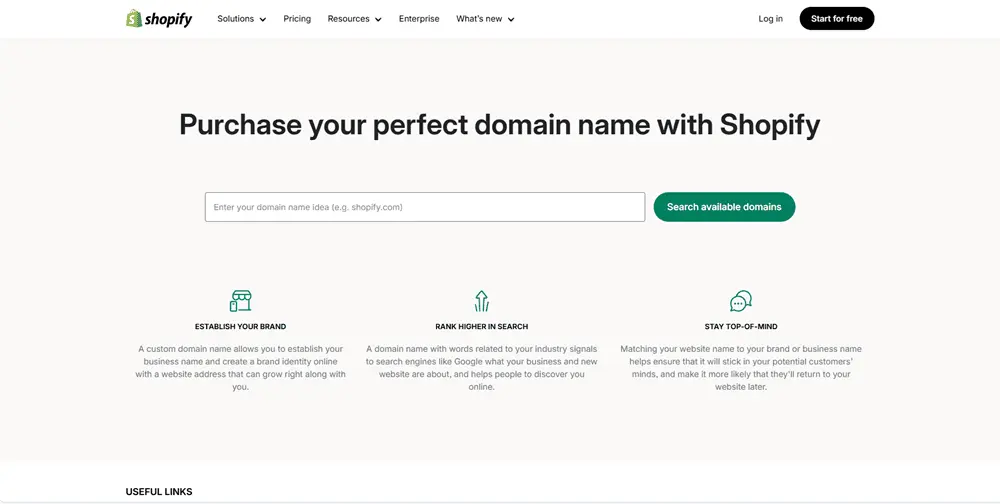
Step 7: Choose a Domain Name
You get a free Shopify domain (yourstore.myshopify.com), but a custom domain looks more professional.
- Buy a domain through Shopify
- Or connect one you already own
Create essential pages:
- About Us – Tell your story
- Contact – Let customers reach you
- FAQs – Answer common questions
- Policies – Cover returns, shipping, privacy
Add these under Online Store → Pages, then link them in your site menu under Navigation.
Step 9: Test Everything
Before launch, test your store:
- Browse like a customer
- Add items to your cart
- Run through checkout (Shopify has a test mode)
- Check confirmation emails
Better to catch bugs now than after you start selling!
Step 10: Launch Your Store
Once you’re happy with everything:
- Go to Settings → Preferences
- Disable the password page
Your store is now live—congratulations!
Step 11: Promote Your Store
Let the world know you’re open for business:
- Share your store on social media
- Post behind-the-scenes content or product videos
- Start an email list with tools like Mailchimp
- Run simple ads if desired
Tip: Short Instagram videos and email blasts can be super effective!
Step 12: Manage Orders and Grow
When orders come in, Shopify notifies you. You’ll see:
- Order details
- Shipping info
- Payment confirmation
You can:
- Print labels
- Mark orders as fulfilled
- Track inventory
- Send updates
Stay organized and focused with Shopify’s dashboard.
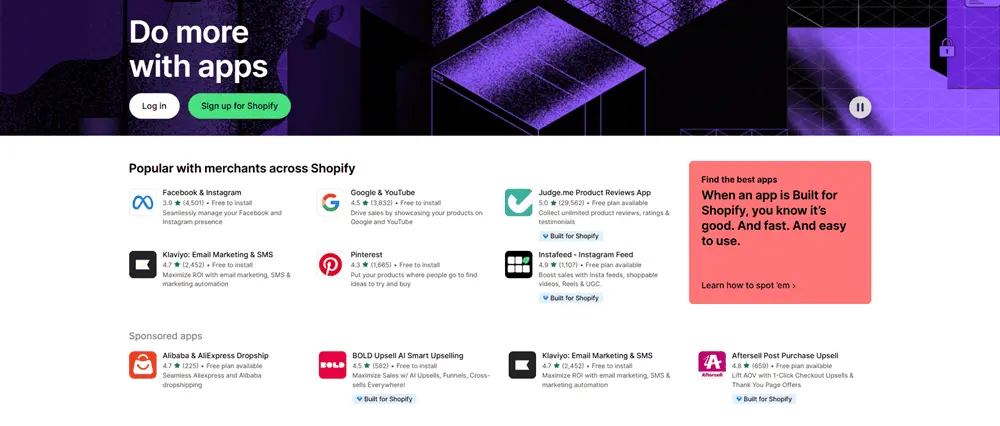
Bonus: Use Apps to Supercharge Your Store
The Shopify App Store lets you add powerful features:
- Customer reviews
- Discount codes
- Social media integrations
- Dropshipping tools (e.g., Oberlo, DSers)
Many apps are free or low-cost, and they save time and boost sales.
Final Thoughts
Selling on Shopify is simple when you follow the right steps:
- Set up your store
- Add products
- Configure payments and shipping
- Launch your shop
- Promote it
- Manage your business
You don’t need to be a tech wizard. Whether you’re selling cookies, courses, or cool t-shirts, Shopify helps you do it from one place.
Now it’s your turn—start selling today!